The workplan is in one file, activity updates are in another, and evidence is buried in folders or messages.
For programme teams tired of report-week panic
Stop rebuilding your reporting system every quarter.
Turn scattered workplans, activity records and reporting notes into organised programme results, with one toolkit that does the heavy lifting for you.
Public Health Workplan and Results Reporting Toolkit Excel + Word
₦35,000one-time
No subscription. Instant digital delivery after payment.
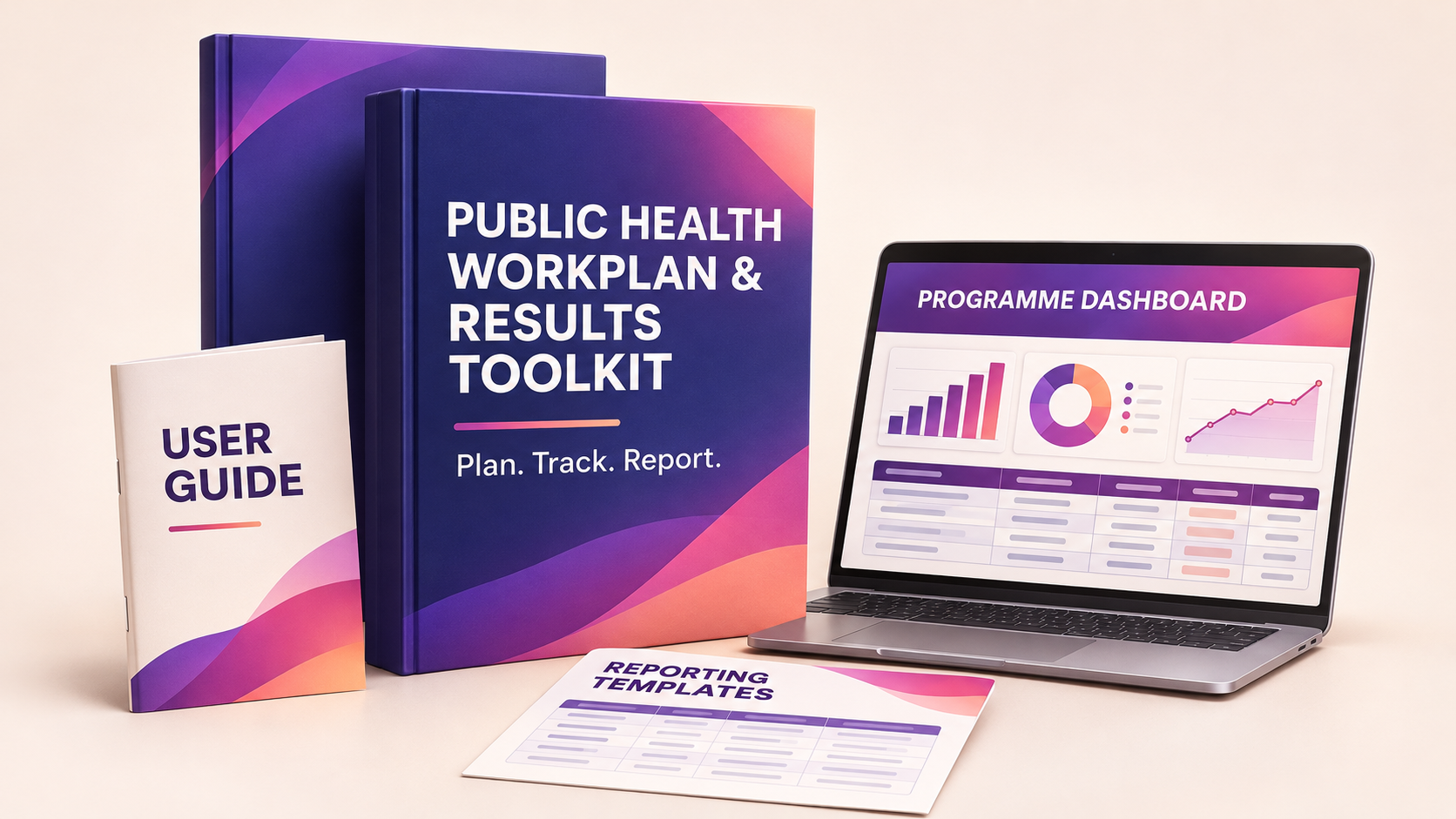
✓ Dashboard included
✓ Editable files
Sound familiar?
The report is due, but the full story is scattered everywhere.
You are still asking, “What did we actually deliver?” when the reporting deadline is already close.
Every month or quarter, you rebuild similar tables, calculations and summaries from scratch.
Challenges and corrective actions are discussed, but the follow-up disappears after the meeting.
There is a calmer way to run programme reporting.
One connected workflow
From messy notes to report-ready results
Set it up once, then keep it updated as implementation happens.
Plan
Add programme details, activities, responsibilities, timelines and targets.
Track
Record delivery, indicator results, evidence, issues and corrective actions.
Review
See implementation rates, data checks and dashboard summaries update.
Report
Use the Report Builder and Word templates to prepare the final report.
See the system
Know what is happening before report week arrives.
01
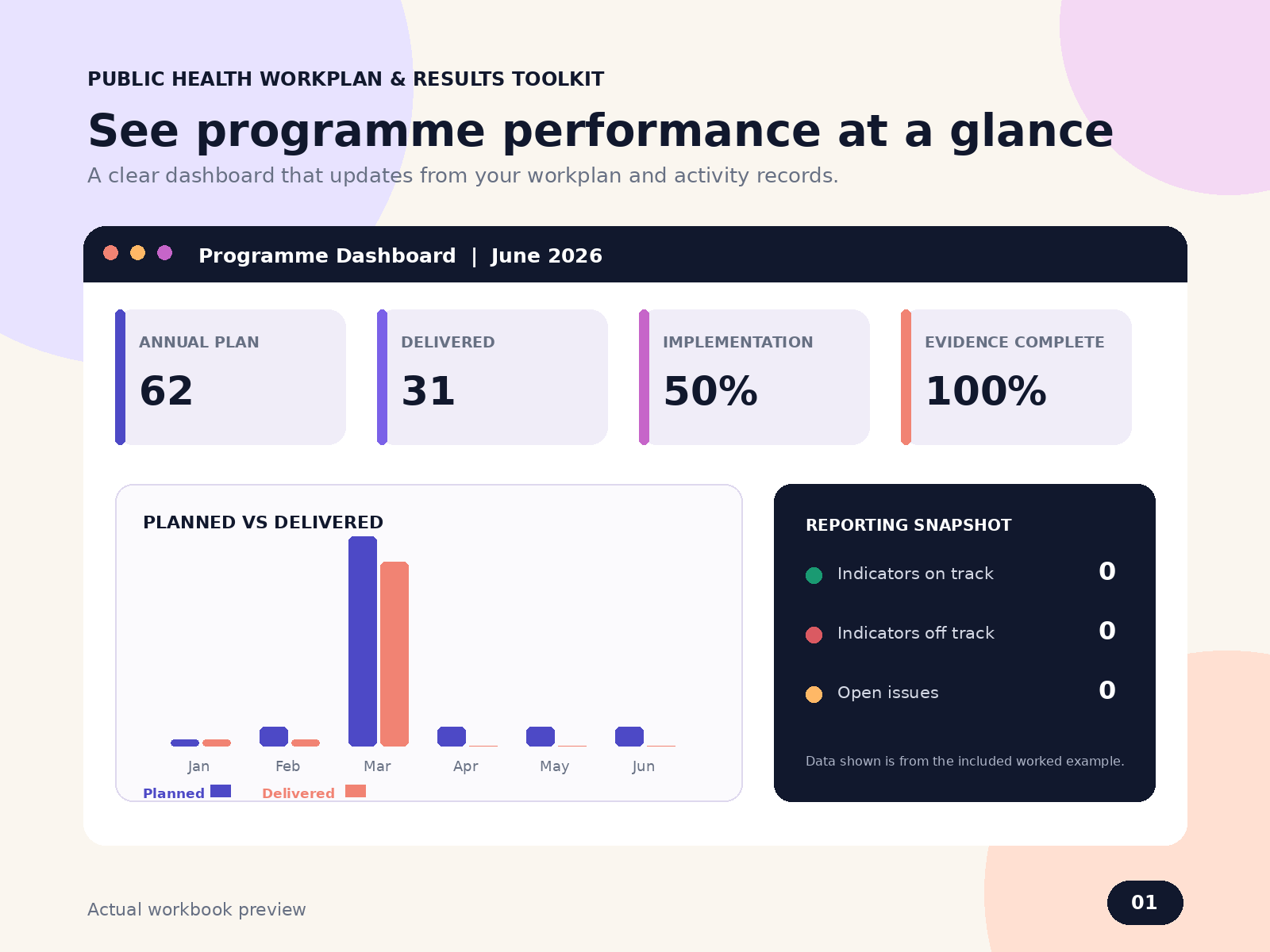
Your programme at a glance
The dashboard brings planned quantities, delivery, implementation rate, indicators, issues and evidence completeness into one view.
- Track implementation progress
- Spot open and overdue issues
- Check reporting readiness
02
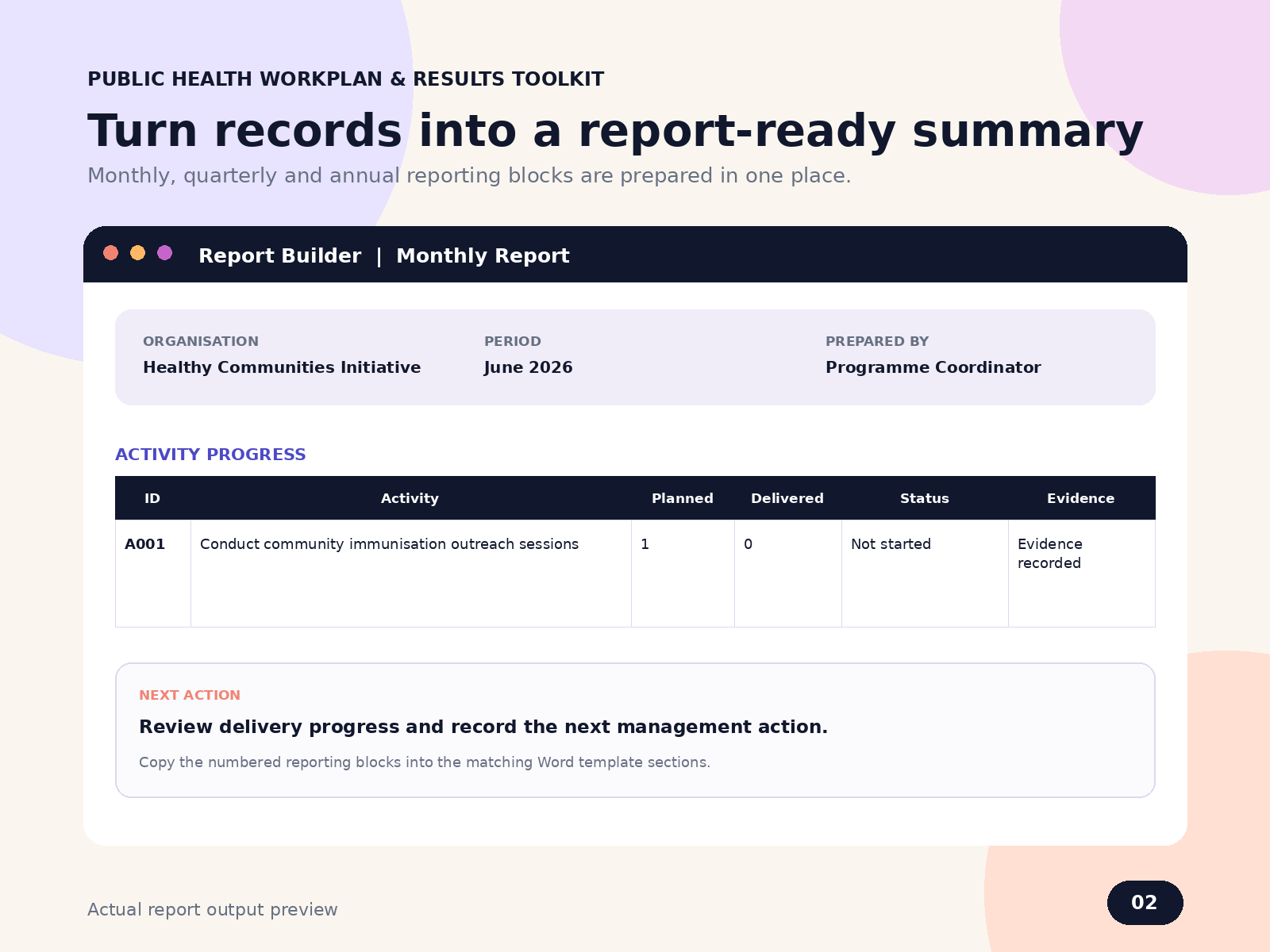
Prepare reports without facing a blank page
The Report Builder organises the information you need for programme details, activity progress, indicators, achievements, challenges and next actions.
- Structured reporting blocks
- Monthly, quarterly and annual use
- Editable Word report templates
Your complete package
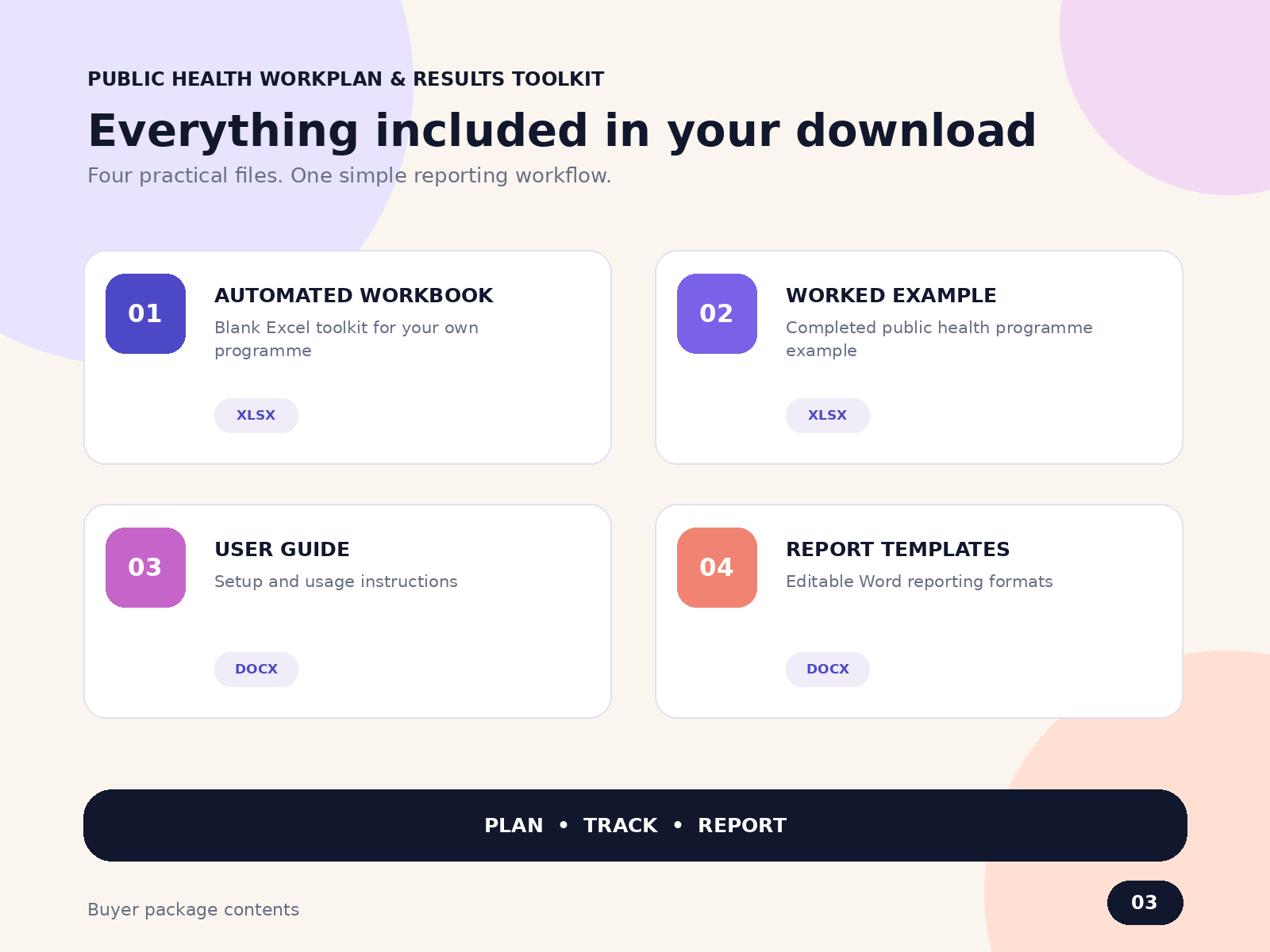
Everything you need to start properly
- Blank automated Excel workbook
- Completed demonstration workbook
- Editable Word reporting templates
- User guide and testing instructions
- Workplan, activity log and indicator tracker
- Issues, evidence and corrective-action tracking
- Data checks, dashboard and Report Builder
What becomes easier
Spend less time rebuilding. Spend more time understanding results.
Plan versus delivered
Compare expected activities with actual implementation in one organised record.
Missing information
Use built-in checks to identify reporting gaps before final submission.
Follow-up actions
Keep challenges, responsibilities and deadlines visible after meetings.
Consistent reporting
Reuse one structured system instead of rebuilding the process each period.
Built for real programme work
Made for the people responsible for turning activity into evidence.
Public health professionalsProgramme coordinatorsM&E officersEpidemiologistsTechnical officersHealth-project managersConsultantsNGO and CBO teams
Adapt it for immunisation, surveillance, community health, health promotion, emergency response, training or other public health programmes.
Before you buy
Questions buyers usually ask
Clear answers, so you know exactly what you are getting.
Do I need advanced Excel skills?
No. Start with the user guide and completed demonstration workbook. They show where to enter information and how the sections work together.
Does it write the entire report automatically?
No. It calculates and organises key information. The Report Builder supports transfer into the Word template. Human review and interpretation remain necessary.
Can an individual professional use it?
Yes. It works for individual programme responsibilities and for teams managing an organisational project.
Can I use it for more than one programme?
Yes. Create a separate copy for each programme so records and results remain properly separated.
What software do I need?
Microsoft Excel and Microsoft Word. The package is supplied as one downloadable ZIP file.
Can I share or resell the files?
No. The licence covers the individual buyer or purchasing organisation. Redistribution, resale and public file sharing are not permitted.
Your next report can feel different
Bring the workplan, results and reporting process into one organised system.
- Automated Excel workbook
- Demo workbook and user guide
- Editable Word templates
- Instant digital delivery